Support
Learn Lumi, step by step
Tutorials for personal gift boxes and for business organizations managing employees, clients, and scheduled gifts.
Personal
For personal Lumi gifts
Send a personal digital gift box, or open and redeem one you received.
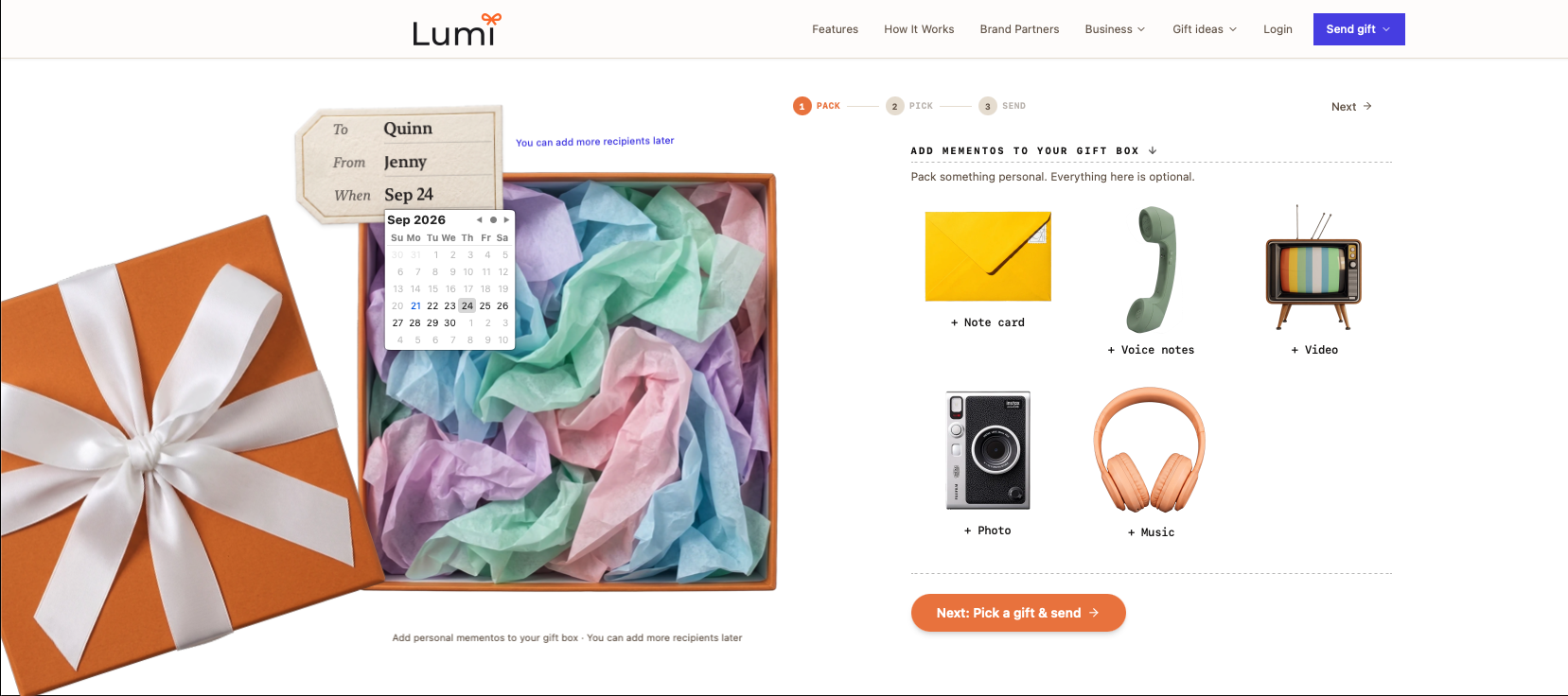
How to send a personal digital gift box with photo, video, and music
Build a personal Lumi gift box with a digital card, music, voice note, photo, and video, then pick gifts, add one or many recipients, schedule, and send.
Open tutorial
How to open and redeem a personal Lumi gift
If a friend or family member sent you a personal Lumi gift, open the email link, view the keepsake, then redeem by keeping items, swapping into any combination within the sender budget, or donating when available. Confirm shipping when ready. No account required.
Open tutorialBusiness
For business organizations
View past and upcoming gifts, and keep your employee roster and milestone dates current.
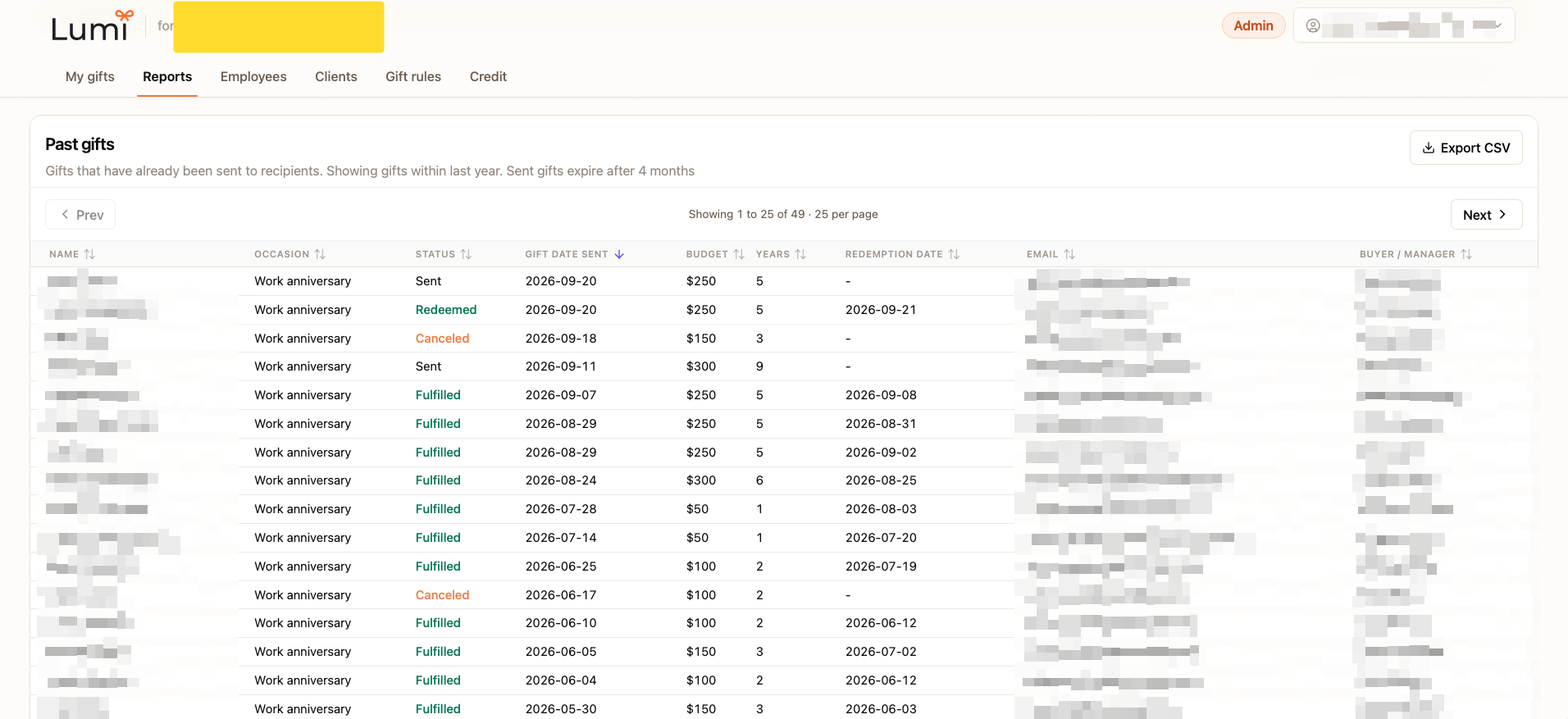
How to view past gifts sent to employees and clients
Open Reports in your Lumi business workspace to review past gifts for employees and clients, including status (Sent, Redeemed, Fulfilled, Canceled), redemption date, and CSV export for record keeping.
Open tutorial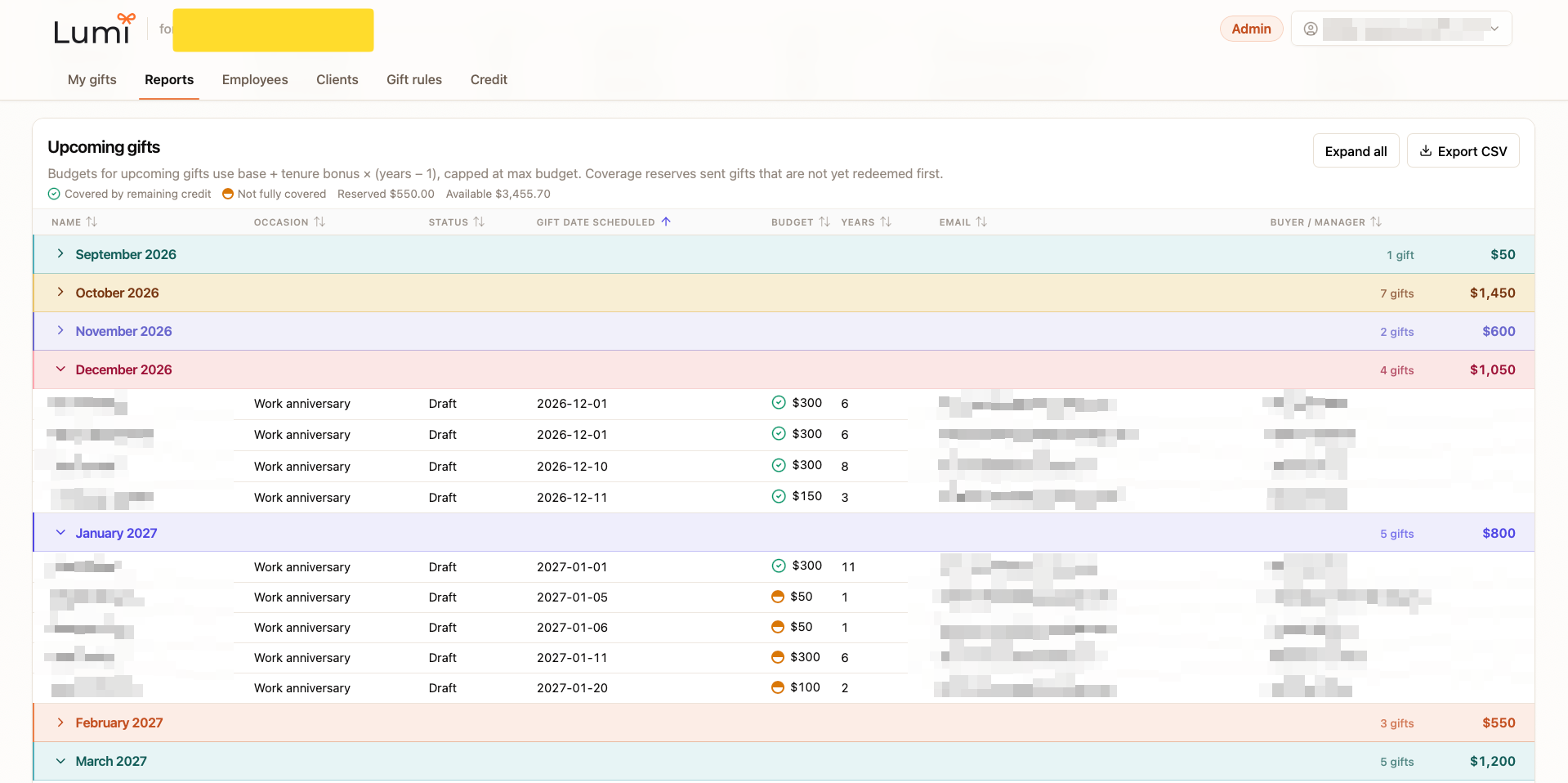
How to view upcoming gifts for employees and clients
Use the Upcoming gifts section in Reports to see scheduled employee and client gifts by month, plus which budgets are covered by remaining credit.
Open tutorial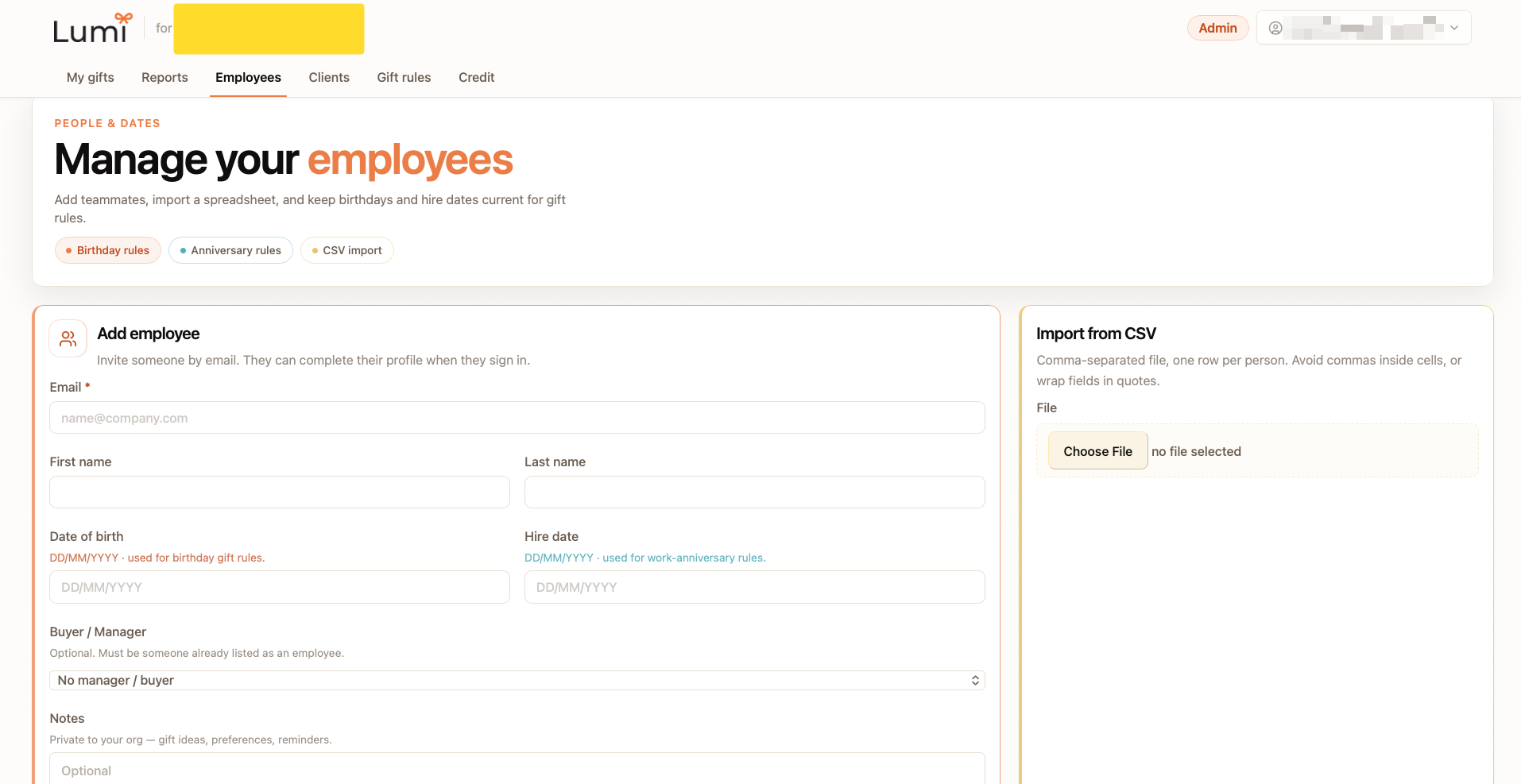
How to bulk add, remove, and update your employee roster
On the Employees tab, import a CSV to bulk add or update people, add someone individually, edit existing rows, or remove employees from your organization roster.
Open tutorial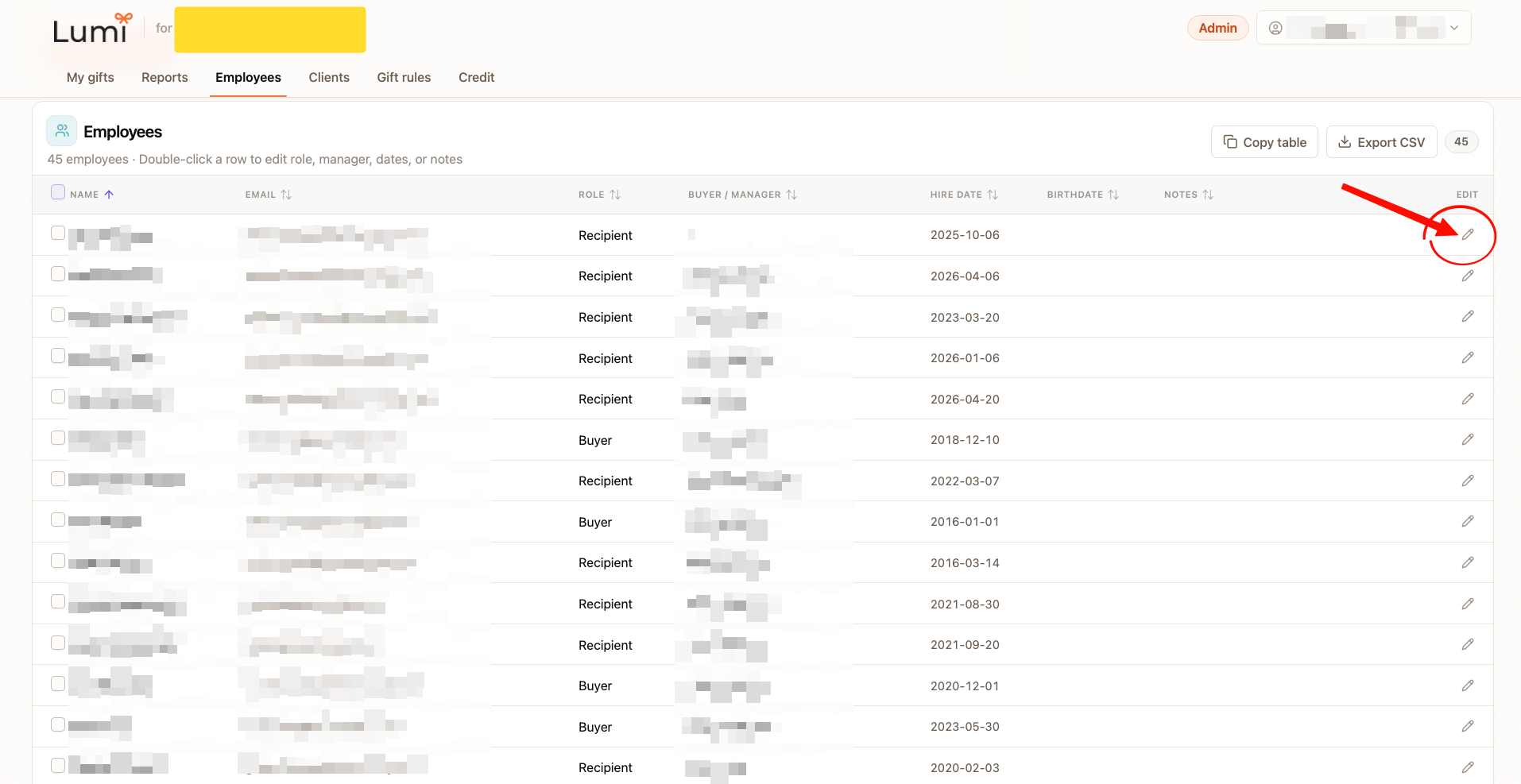
How to add, remove, and update employee anniversary or birthday dates
Set hire date for work-anniversary gift rules and date of birth for birthday gift rules when you add an employee, or edit those dates later in the Employees table.
Open tutorialNeed a human?
Email hello@givelumi.com and we will help you get unstuck.